


One of the more common requests that clinic front desk staff encounter is when a patient says something went missing during check-in and asks to see the CCTV footage. While it might seem straightforward to hand over the video, there are important privacy and operational principles to consider first. This post covers how clinics can manage these requests effectively, ensuring data minimization, patient privacy, and compliance, particularly when using tools like Gallio PRO and role-based CCTV user accounts.
What Incident Are We Trying to Solve?
Before diving into any software or camera footage, the essential question is:
“What incident are we trying to solve?”
Is the patient reporting a lost item, a billing dispute, or suspicious behavior? Getting a clear incident description upfront helps focus the review and avoids unnecessary footage access or retention.
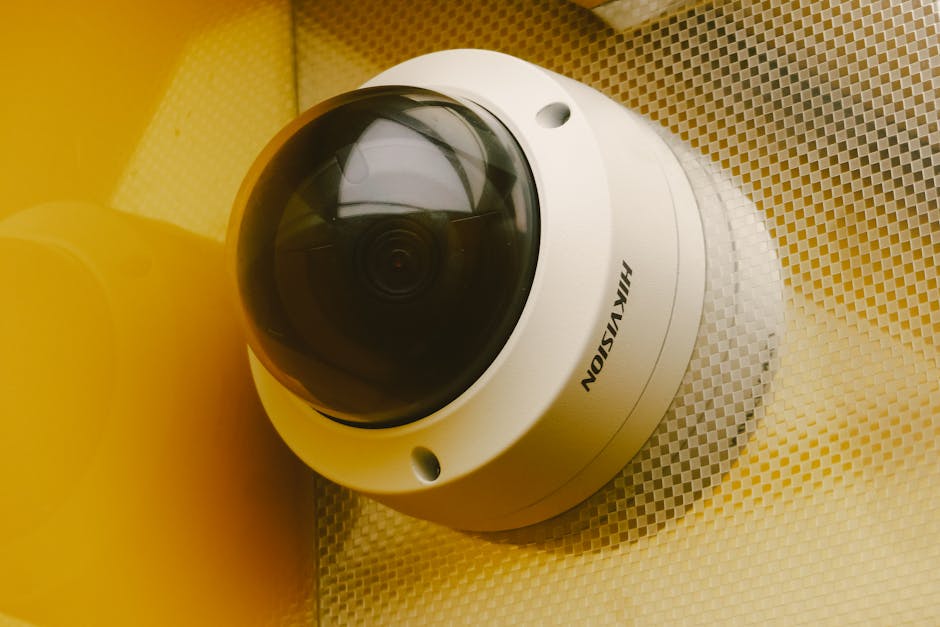
Fishing expeditions—reviewing hours of security video “just in case”—are both impractical and raise serious privacy concerns. We want to operate with purpose-first camera justification, which means using cameras for specific, documented reasons rather than broad surveillance.
Data Minimization: Why Less is More With Clinic CCTV
Clinical spaces have many people passing through—not just patients, but staff, vendors, and visitors. This means potential exposure of sensitive information and people’s privacy. To respect that:
- Only capture what is necessary. Cameras at check-in should focus on the transaction window or communal areas, avoiding patients’ paperwork, badges, or screens wherever possible.
- Avoid camera angles that capture confidential information. For example, a camera pointed at monitors or paper forms risks unauthorized viewing.
- Limit footage retention. Keep video only as long as necessary for security or operational review. Avoid indefinite storage or “save just in case” clips.
Camera Placement and Field-of-View Reviews
Camera placement should be deliberate and well documented to respect privacy and meet compliance.
Role-Based CCTV User Accounts: Named Users Only
One of the biggest pitfalls in clinical CCTV management is shared passwords. They cause accountability gaps and make audits difficult. Instead, adopt role-based, named user accounts for CCTV access.
- Assign individual credentials for anyone accessing the system. This ensures each access or clip review is logged with a clear user identity.
- Limit access by job function. For example, reception team members may view day-to-day clips, but only security or compliance leads can export or provide footage externally.
- Log and audit all access events. Regularly review who accessed which footage and when.
Do Not Hand Over Raw Footage: Privacy Risks and Best Practices
Raw CCTV footage often contains multiple patients and staff in the same scene. Simply handing over recording files can expose unrelated individuals and private details unnecessarily. Instead:
- Extract a clipped segment relevant to the incident. Focus on the exact time frame described by the patient.
- Use software like Gallio PRO for visual anonymization. This powerful on-premises tool automatically redacts third-party faces, license plates, and other identifying information. It performs visual redaction and anonymization in minutes without uploading data to the cloud.
- Double-check that no sensitive info remains visible. Common issues include badges, paperwork, or confidential monitor data in the background.
Following these steps respects wiretapping laws audio recording both patient privacy and regulatory rules like HIPAA or GDPR.
Incident Clip Disclosure: Documenting the Process
When sharing video clips with a patient or law enforcement, documentation is crucial. Maintain a simple but clear incident note log including:
This protects the clinic in case of future disputes or audits.
Summary: Best Practices for Handling “Missing Item” CCTV Requests
- Clarify what you’re trying to solve before reviewing footage.
- Ensure cameras follow a minimal purpose and avoid capturing sensitive info.
- Conduct regular field-of-view reviews and maintain up-to-date camera documentation.
- Use role-based, named user CCTV accounts to ensure accountability.
- Never hand over raw footage. Extract and redact clips using on-premises tools like Gallio PRO.
- Document every step of incident clip disclosure for privacy and compliance.
Applying these principles helps clinics build trust with patients while maintaining secure, privacy-safe workflows that staff can follow during busy shifts.
Have Questions About Your Clinic’s CCTV Workflow?
If your practice is struggling with how to handle video footage requests—or if you want an audit of your camera placement and video access policies—reach out! Practical advice and step-by-step workflows can save hours of stress and reduce privacy risks.

Remember: Effective clinic video management isn’t about watching everything — it’s about watching the right things, the right way.
